
Getting from zero to your first AI character chat on Elyn takes about three minutes: tell Elyn what stories you like, find a character, sign in and say hello. You don’t even need an account to start browsing. This guide walks through each step and covers the parts new users usually ask about afterwards, like Orbs and personas.
👉 Open Elyn in a new tab and follow along
Step 1: Pick the kind of stories you like
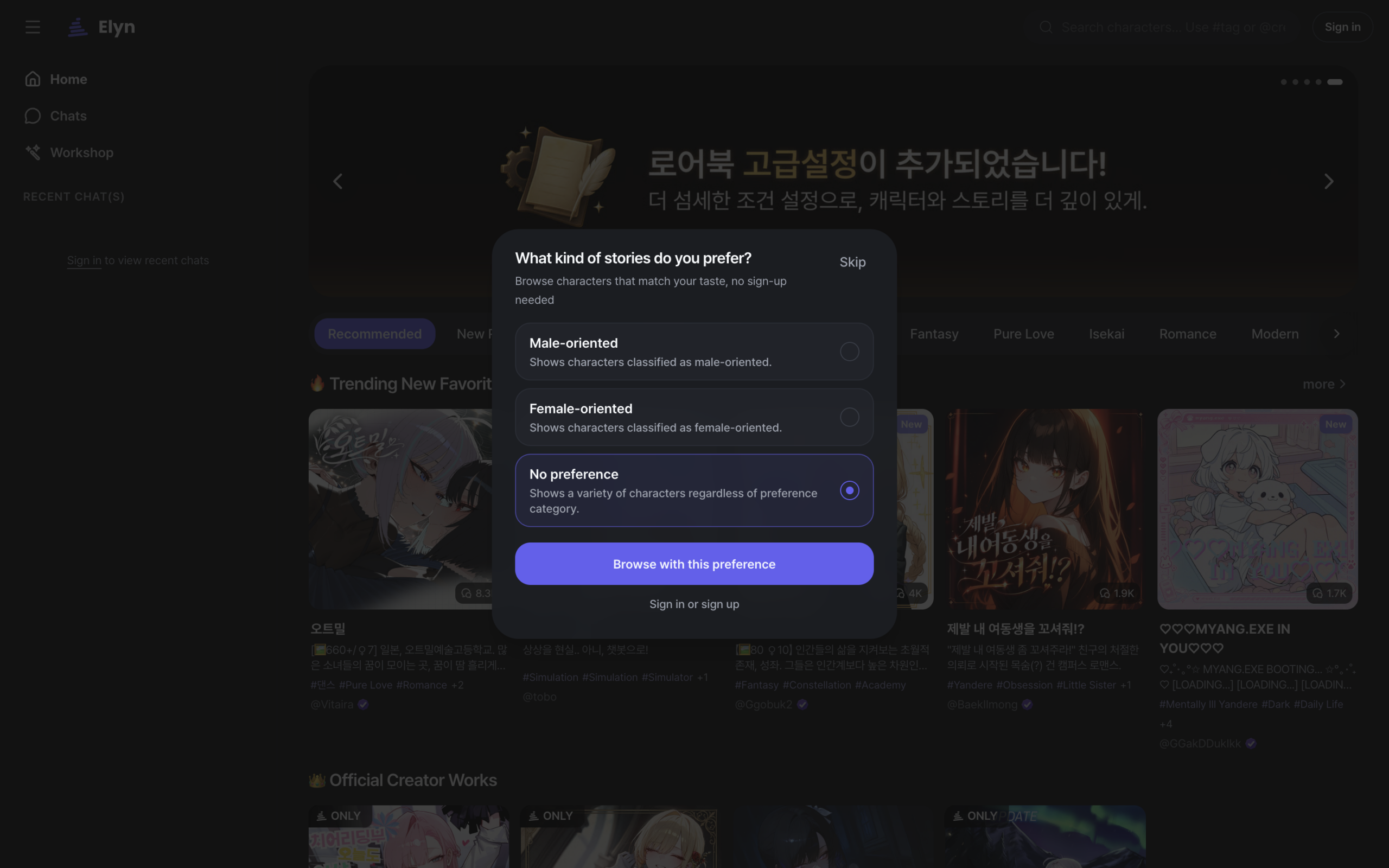
The first time you open Elyn, it asks one question: what kind of stories do you prefer? Choose male-oriented, female-oriented or no preference, then tap Browse with this preference. No sign-up is needed for this step, and the choice only shapes which characters Elyn shows you first. Not sure yet? Pick “No preference” and you’ll see a mix of everything.
Step 2: Browse the home page
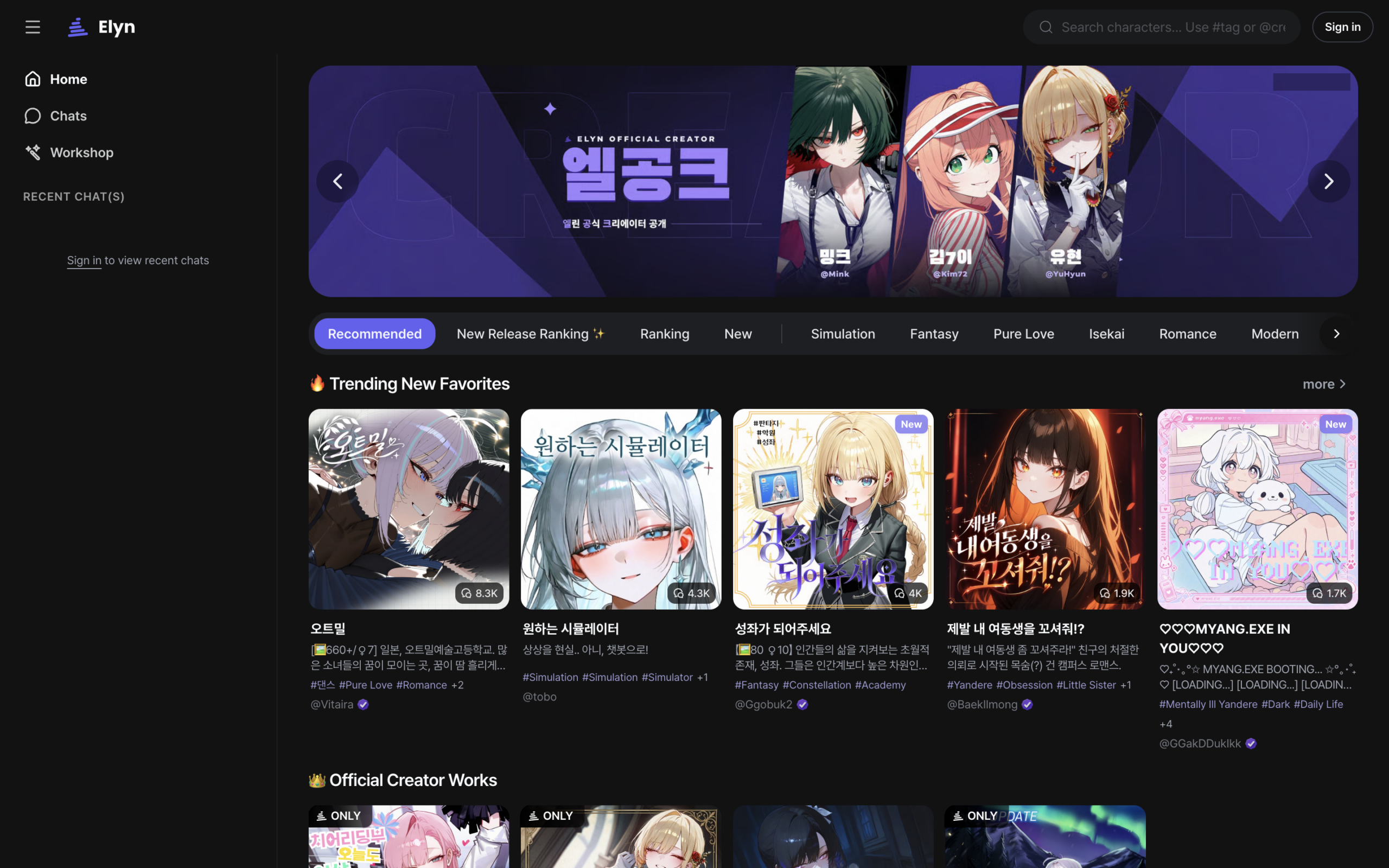
The home page is where you discover characters. The tabs under the banner are the fastest way in:
- Recommended: picks based on the preference you just chose.
- Ranking and New Release Ranking: what people are chatting with most, overall and among new characters.
- New: fresh work from creators, good if the charts feel too familiar.
- Genre tabs such as Fantasy, Romance, Isekai and Simulation, when you already know the mood you want.
You can also search by name, by tag with # or by creator with @ from the search bar at the top.
Step 3: Open a character and sign in
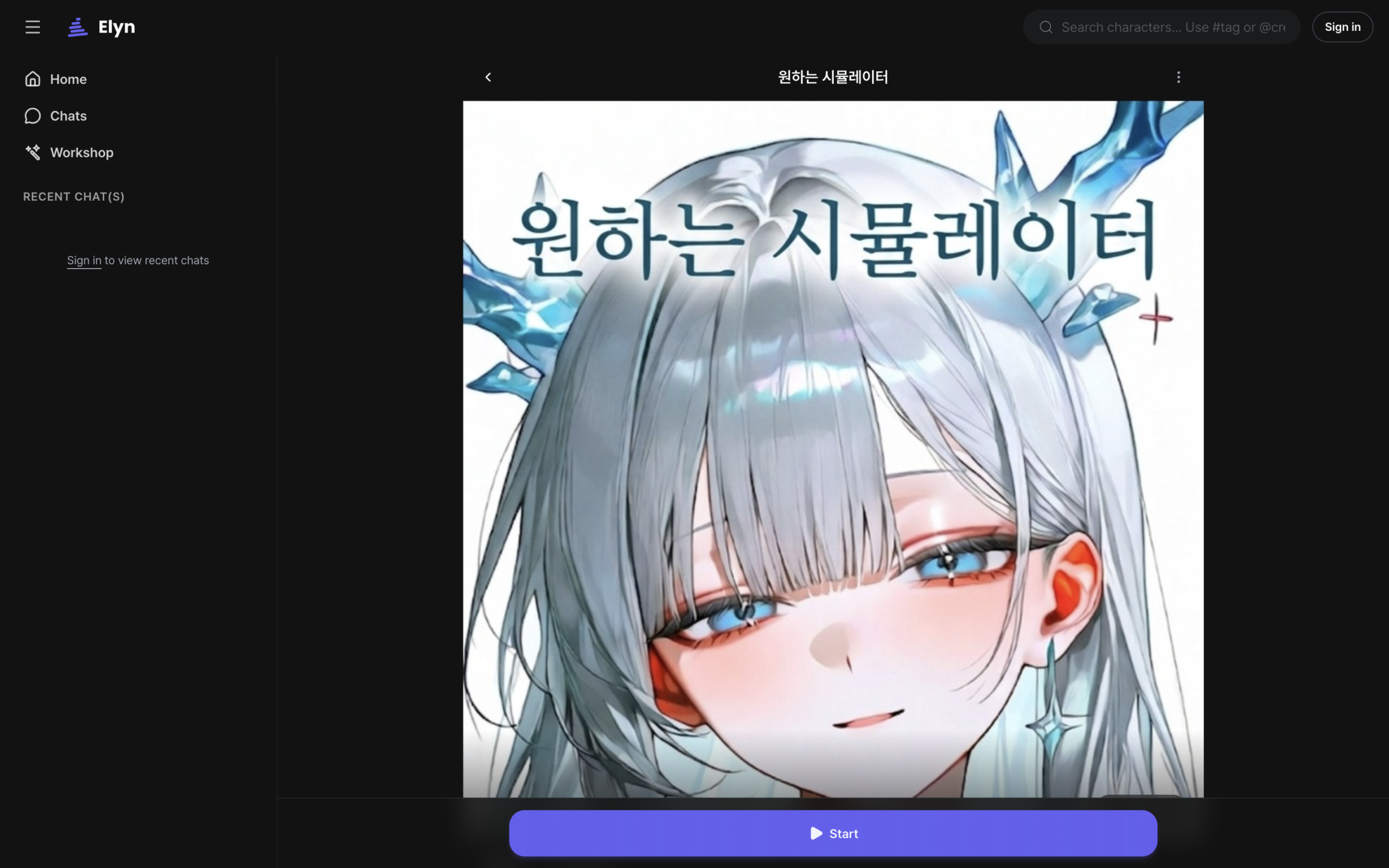
Tap a character to open its page. Read the description and tags before you start: every character on Elyn is made by a member of the community, so the description is the best preview of the story you’re stepping into. When you’re ready, tap Start at the bottom of the page.
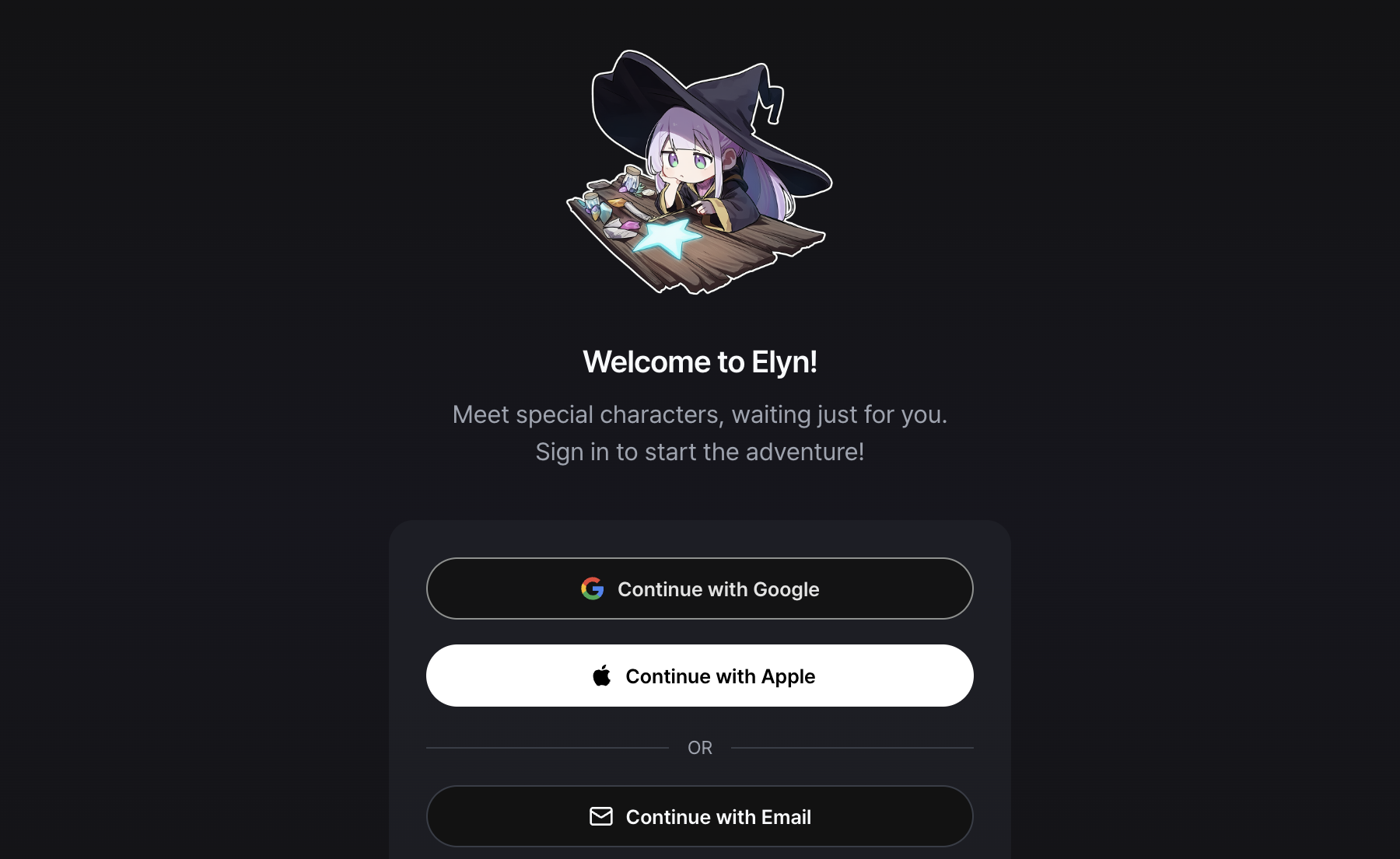
This is the point where Elyn asks you to sign in. You can continue with Google, Apple or email. Signing up takes one screen.
Right after your first sign-in, Elyn asks what characters should call you. Enter any name or nickname. It doesn’t have to be unique, and you can change it later in Settings > Persona.
Step 4: Start your first chat
Many characters come with more than one opening message. Swipe left or right to read them, then tap Start with this message on the one you like. From there it works like any messenger: type a reply and send.
If a response doesn’t fit the story, tap Reroll to get a different one. Rerolling is the quickest way to steer a scene without breaking the flow, and you’ll use it more than you expect.
📝 Short, specific messages get better replies than long ones. “I push the door open and look for the source of the noise” gives the character more to work with than “what happens next?”
Step 5: Claim your daily Orbs
Orbs are Elyn’s in-app currency, and character replies use them. How many a reply costs depends on the chat model you pick. The easiest way to keep a balance is the Daily Check-in: check in once a day to receive Orbs, and complete every day of the week for a bonus weekly reward.
One thing to know: Orbs from check-ins expire 7 days after you receive them, so they’re meant to be spent, not saved. If you want more, you can buy Orbs from the Orb shop after signing in.
Step 6: Make the conversation yours
Once you’ve had a few chats, two settings make a noticeable difference:
- Persona: who you are in the story. Give your persona a name, a short description and an image, and switch personas per chat. Not sure what to write? Use Make with AI and describe the role in a few words, like “A-rank adventurer”.
- User Notes: anything you want the AI to always remember, such as your character’s backstory or a running joke. Attach notes to a single chat, or star them to apply them everywhere.
And if you can’t find the character you’re looking for, make it. The Workshop lets you build your own character with a name, backstory, personality and greeting, then publish it for others to chat with.
Common questions from new users
Do I need to pay to use Elyn?
No. You can browse characters without paying, and the daily check-in gives you Orbs to chat with. Buying Orbs is optional if you want to chat more or use models that cost more per reply.
Can I change my nickname after setup?
Yes. The name you entered after signing up is your persona name, and you can edit it any time in Settings > Persona. You can also create additional personas and choose a different one for each chat.
Why did my check-in Orbs disappear?
Check-in Orbs are valid for 7 days from the day you receive them. Any that aren’t used within that window expire. Orbs you purchase are separate.
The character said something off. What should I do?
Tap Reroll to get a new response. If the character keeps forgetting important details, add them to a User Note so they stay in context.
Which languages does Elyn support?
The Elyn interface is available in English, Korean and Japanese. Characters can chat in whichever language their creator set up, and many respond in the language you write in.
That’s everything you need for the first conversation. The rest you’ll pick up by chatting.